Screen Name
|
Alert Code
|
Open Link
|
Log in – Application – PMS Configuration – Alert Code
|
Summary
|
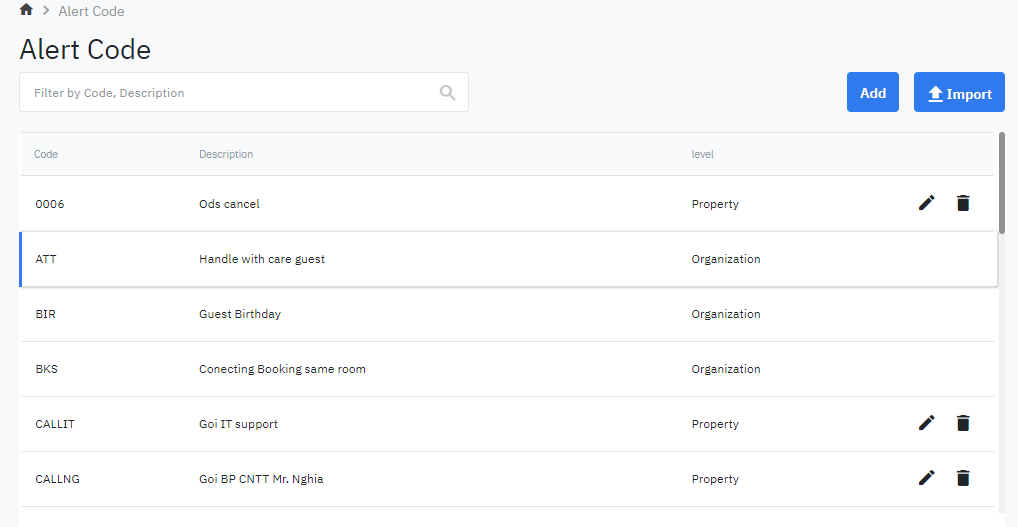
The screen allows you to configure the list of alerts for various areas (Check-in, Check-out, Reservation).
|
Screen
|
|
Fields Description
|
List of alert codes:
Add a new alert code
Select “Add” to add a new code 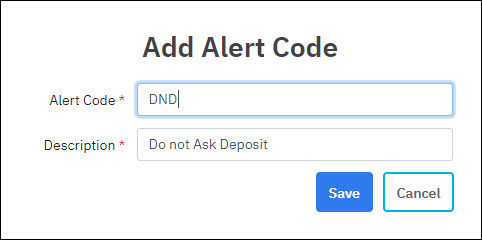
|
Remarks
|
|
The system will prompt an alert when deleting an alert code. |