Screen Name
|
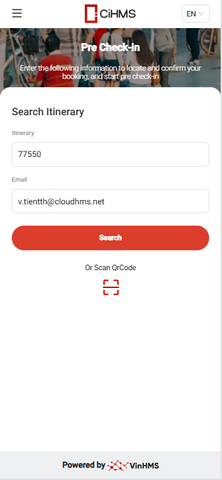
Pre Check-in
|
Summary
|
The screen allows pre check-in
|
Screen
|
|
Fields Description
|
Search for a booking using the two pieces of information below:
After entering the correct information, the system will display the verify code screen sent to the email 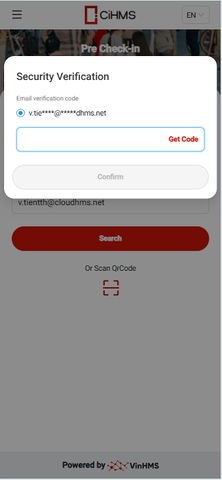
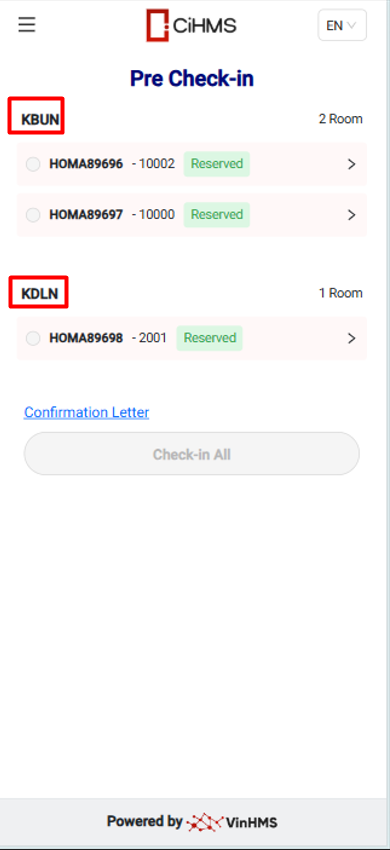
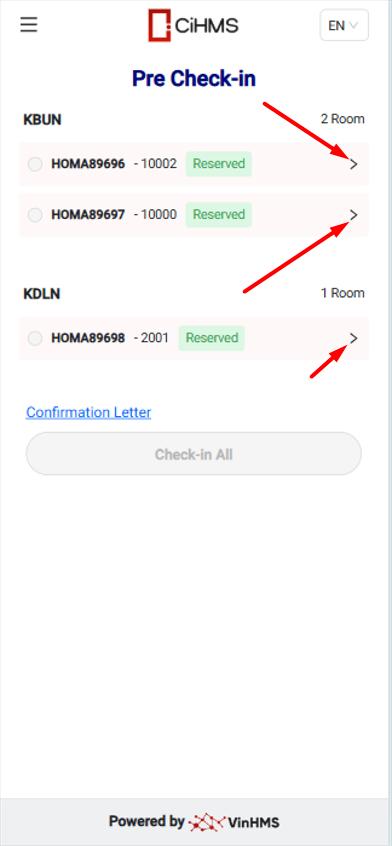
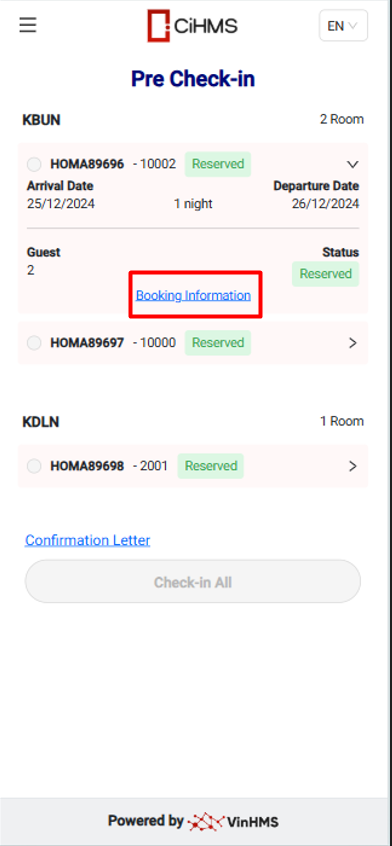
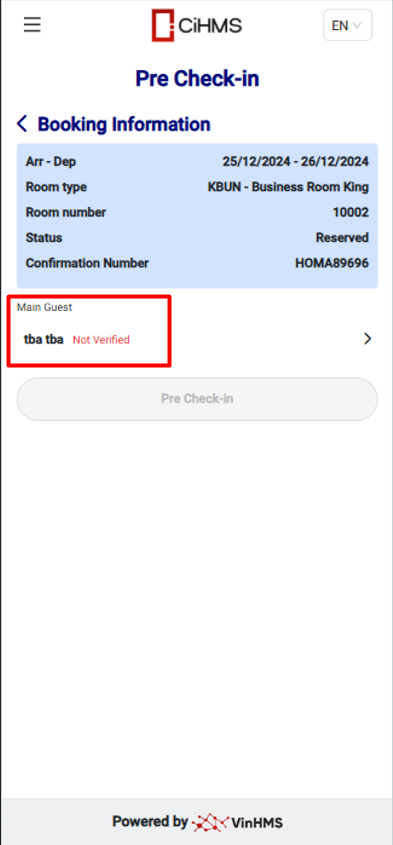
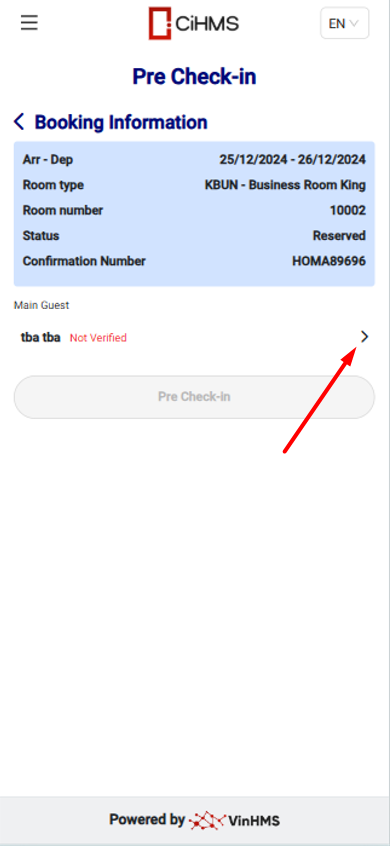
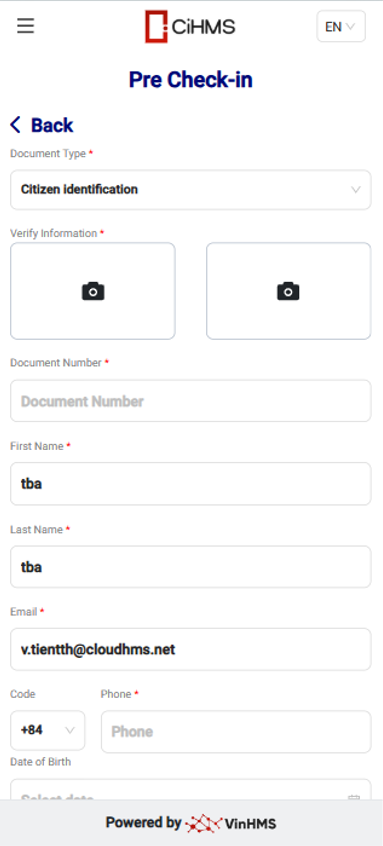
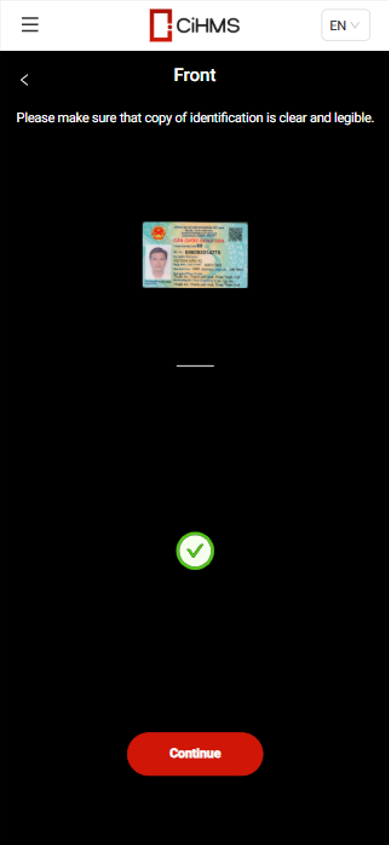
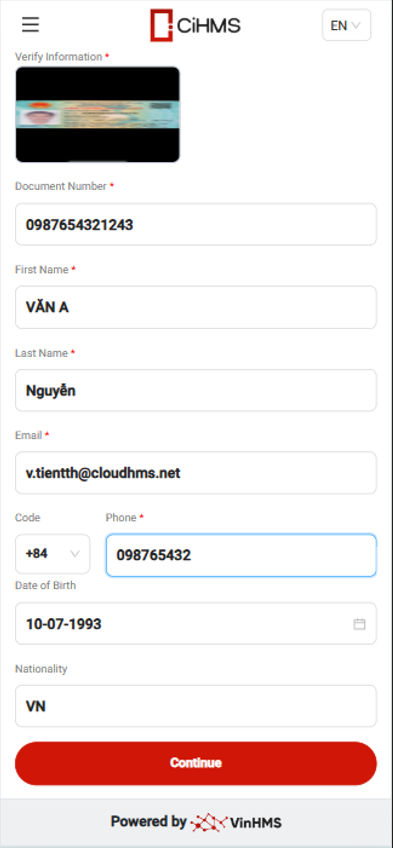
After updating the guest's profile information, click the "Pre-checkin" button to pre-checkin the guest's booking. 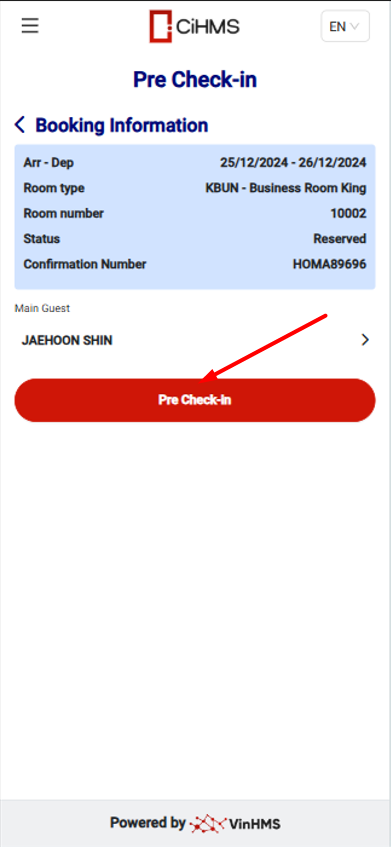
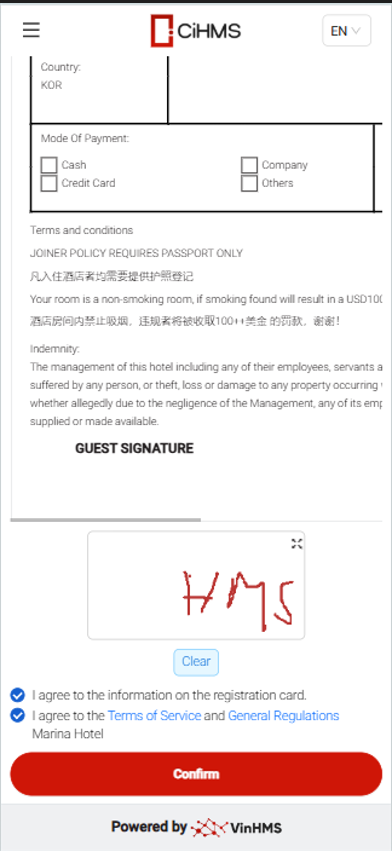
Select "Confirmation Letter" on the booking list screen to view and sign
After uploading the guest's profile information and signing the registration card, the guest is eligible to check in 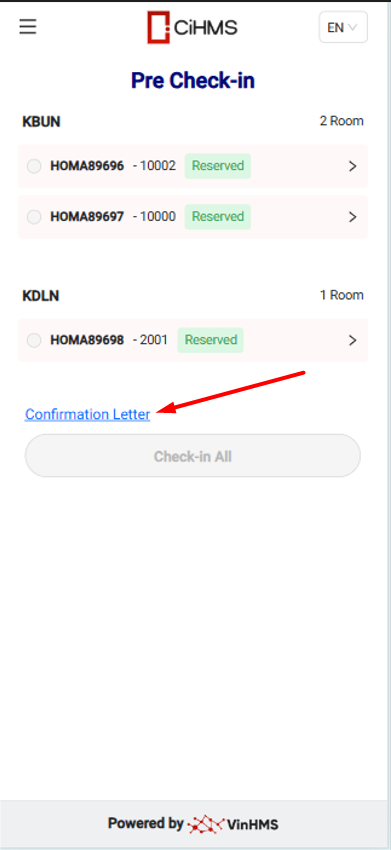
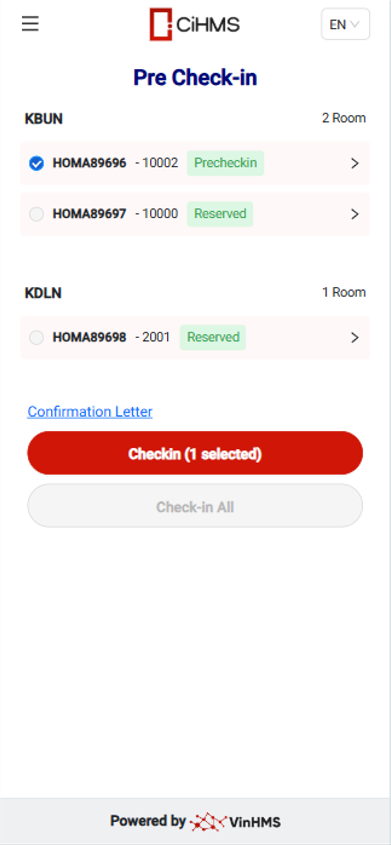
After the booking has been pre-checked in, the guest can check in:
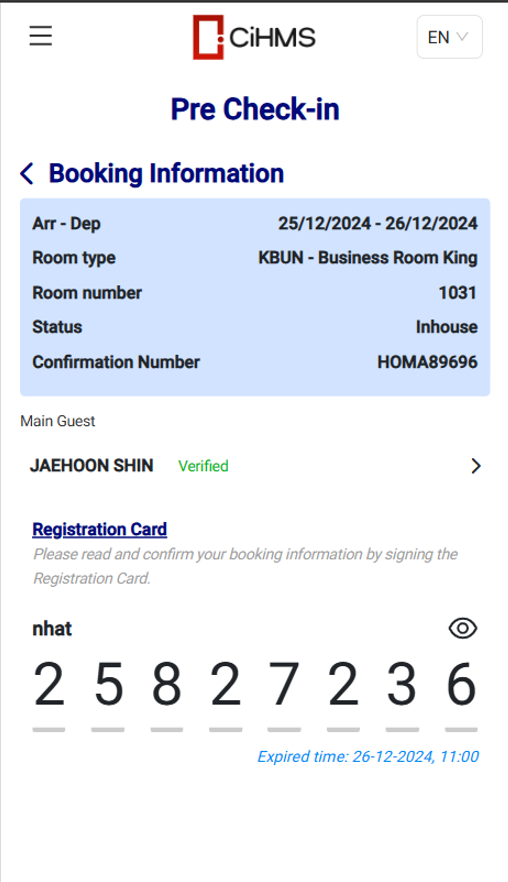
After check-in is completed, the system will generate a key code for the booking 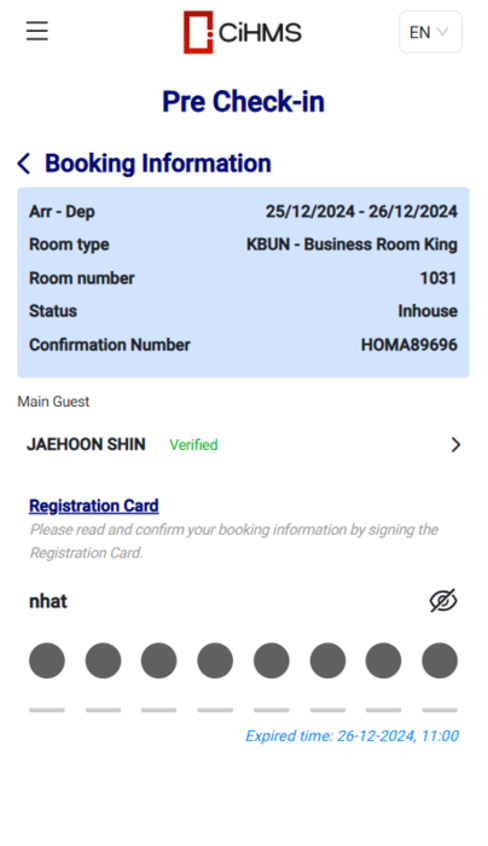
|
Remarks
|
|
Booking is required to be pre-checked in before check-in |