Screen Name
|
Side Toolbar
|
Open Link
|
Log in – Main – Toolbar
|
Summary
|
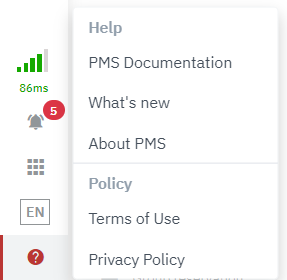
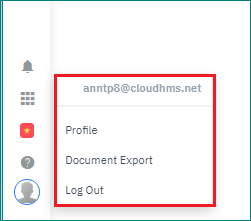
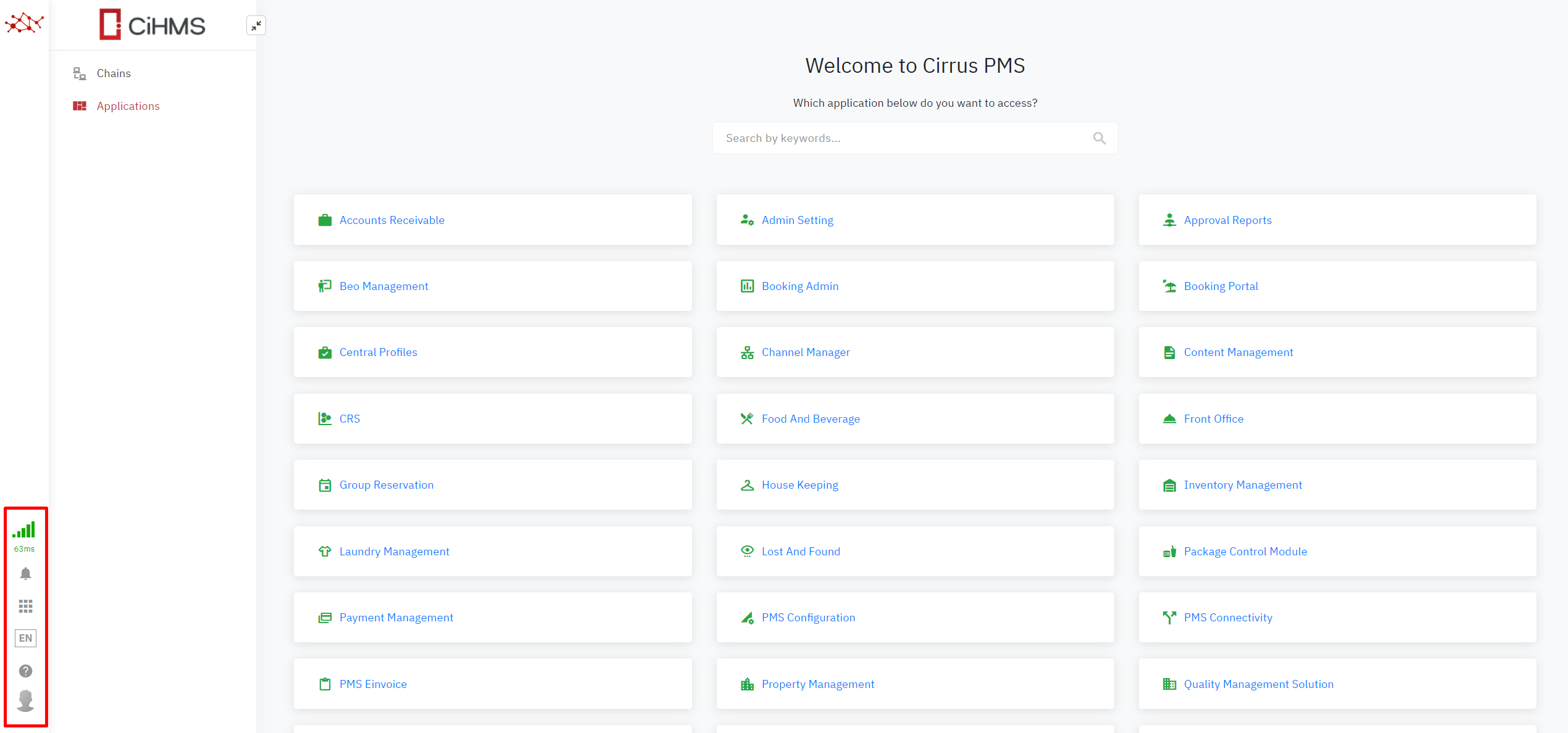
The toolbar situates at the bottom left of the screen after login to the application. Includes the general information of the system such as: Notifications, Applications, Language settings, Documentation, and the User Profile.
|
Screen
|
|
Fields Description
|
Basic Information


Profile Detail: the personal’s details of the users 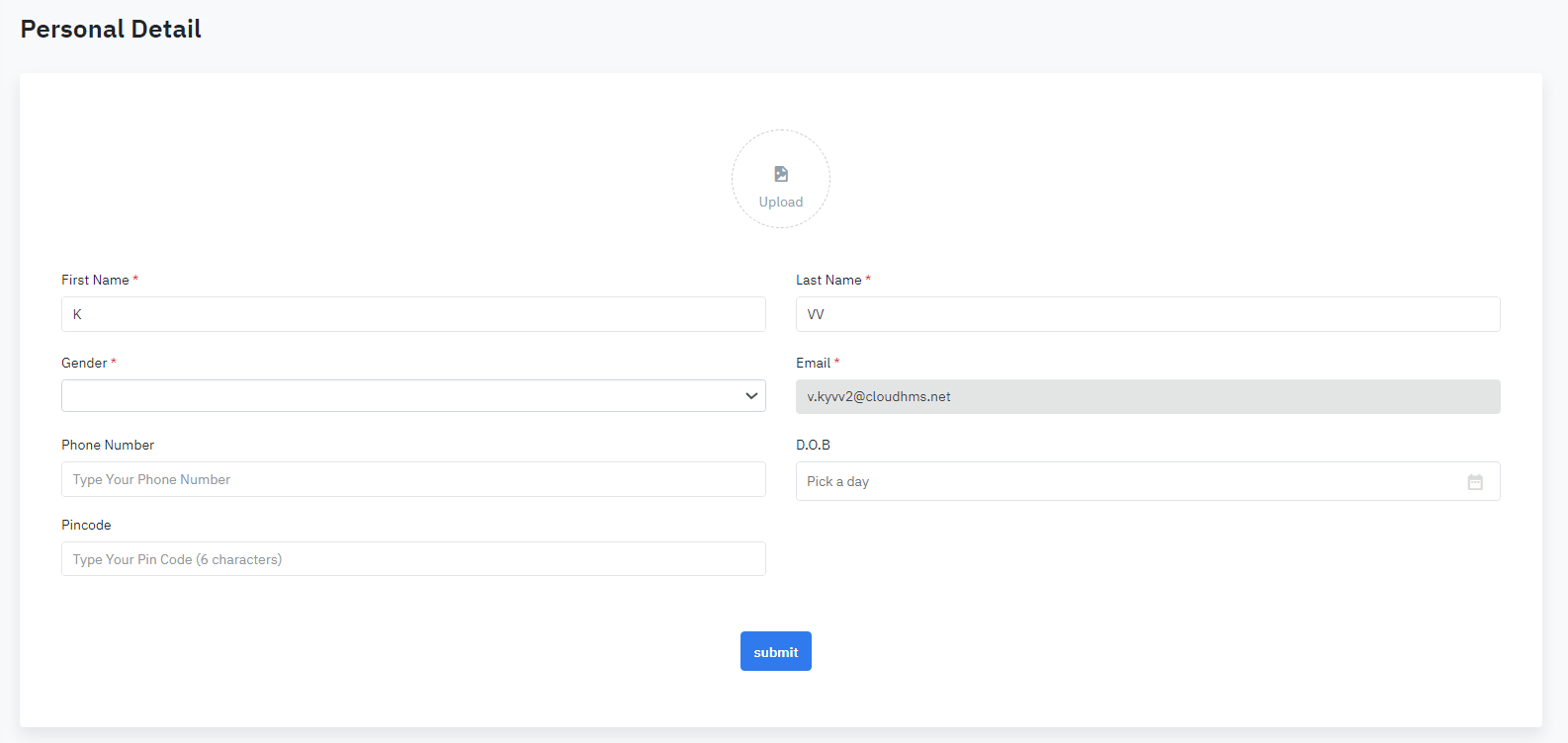
Upload: Support uploading the user’s avatar. The system only supports .jpg format. First Name: First Name of the user Last Name: Last Name of the user Email: Email address of the user Gender: Gender of the user Phone Number: Phone Number of the user Date Of Birth: Birthday of the user Pincode: Pincode of the user Change Password: Change the current user’s password 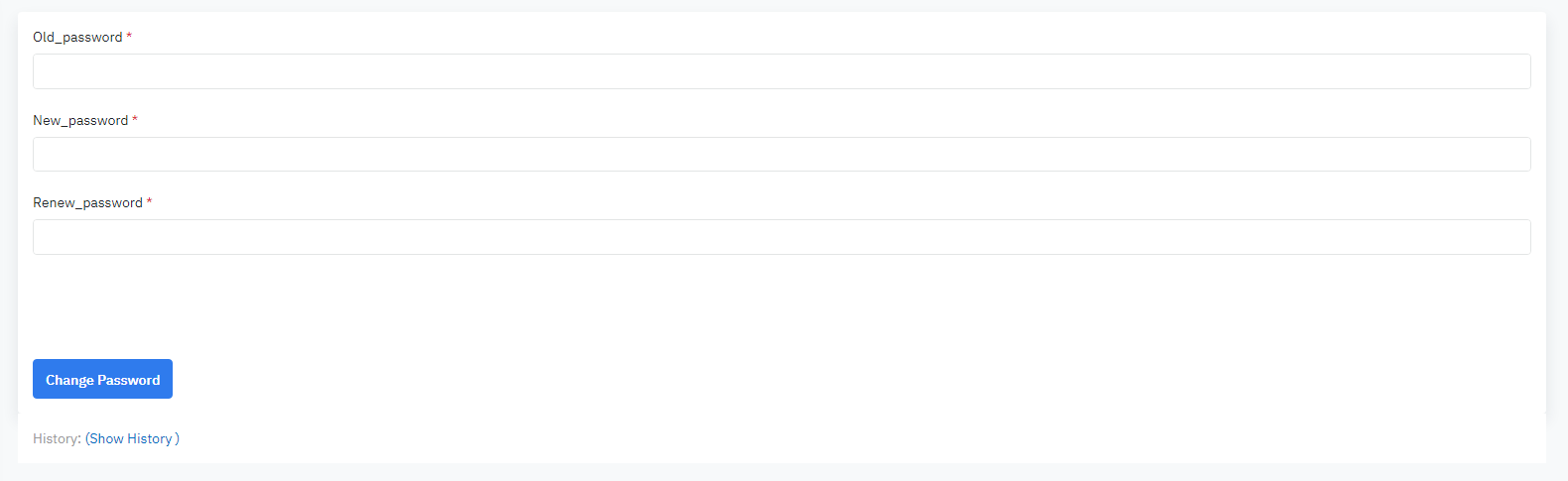
History: Choose ‘Show history’ to view the history log of changing password Document Export: Follow the document’s export of the user 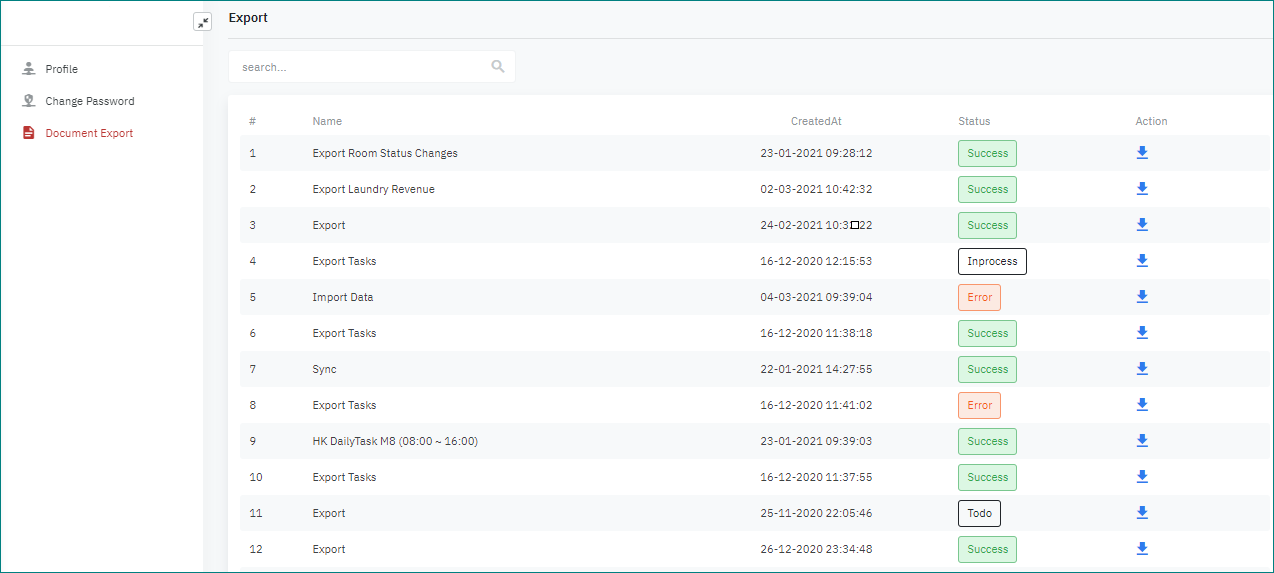
Display the list of documents that the user exported #: Number Name: Name of document that the user exported Created at: Date where the user exported the document Status: Status of the export (success/error/in process/to do) Action: Click on the icon ⬇ to download this document to the local
|
Remarks
|
N/A
|