[VCR] SAP Reconcile

Screen Name

SAP reconcile

Login – SAP Integration – Master Data – SAP reconcile

Summary

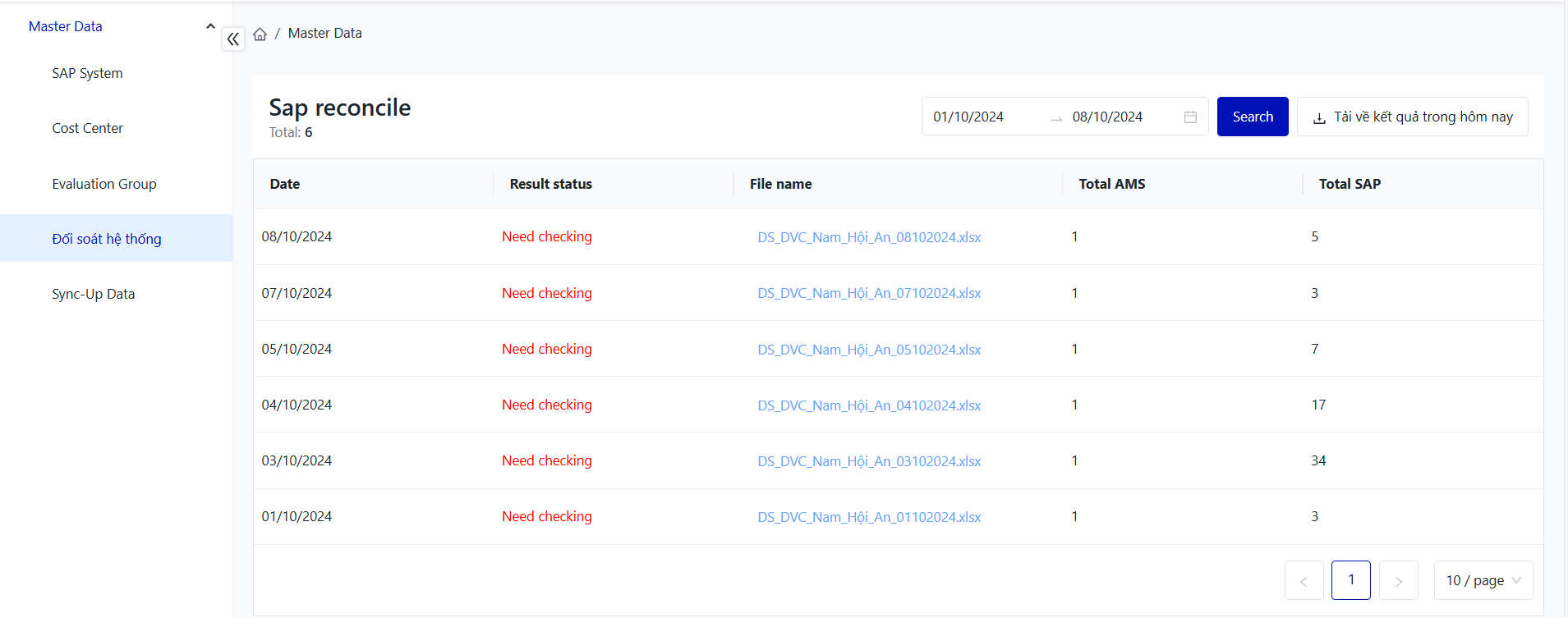
The screen displays synchronization results between SAP and AMS for asset files, indicating success or failure for the facility.

Screen

image-20241009-085524.png


Fields Description

I. Filter and Search Conditions

image-20241009-085922.png


  • Date: Select the date to search for.

=> Click the “Search” button to perform the search.

If you need to download the results for today, click on “Download Today's Results.”


image-20241009-090409.png


image-20241002-125216.png


II. Information Fields for System Reconciliation
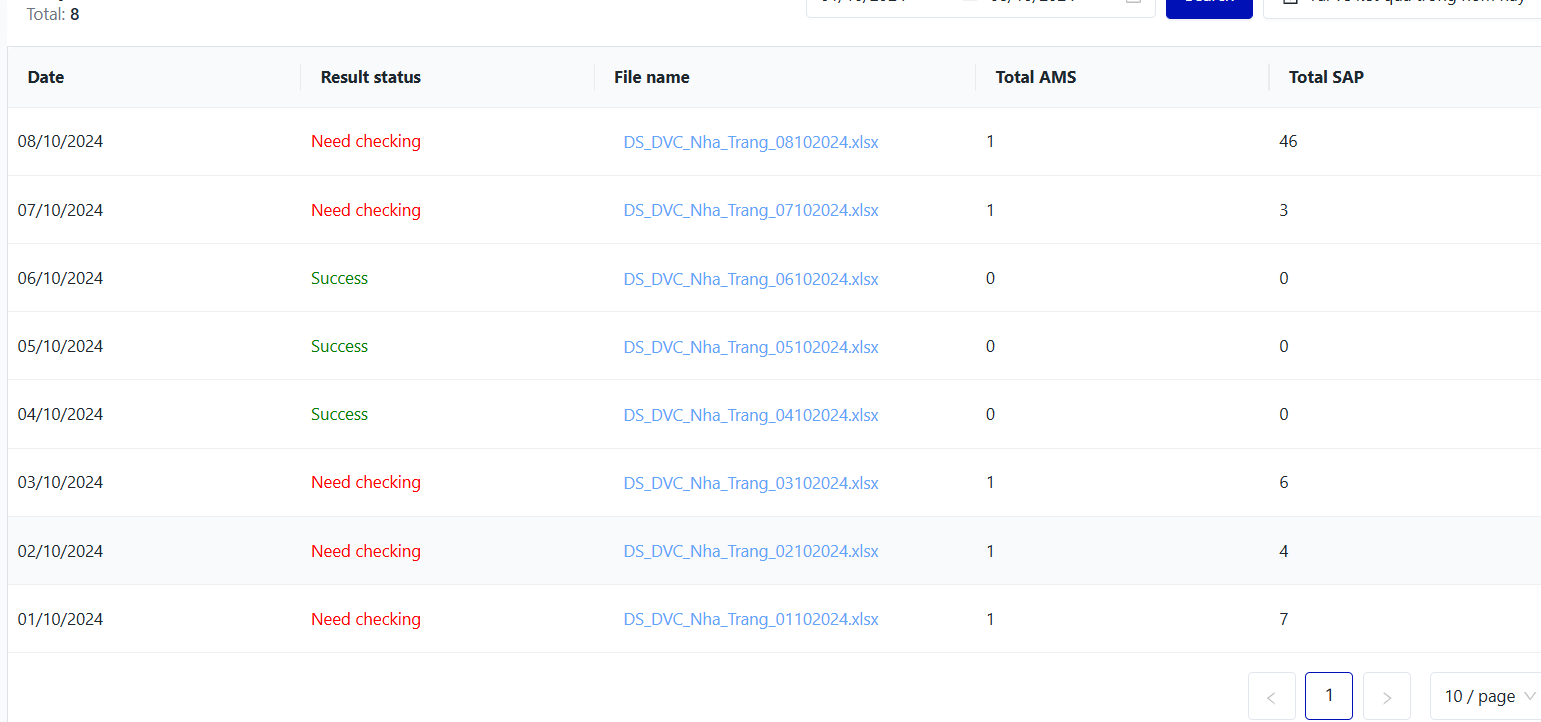
image-20241009-091252.png


  • Date:

  • Result status:

    • Need checking: This means there are assets that failed to sync between AMS and SAP; the cause of the failure needs to be investigated and reprocessed.

    • Success: This indicates that the assets synchronized successfully on that date.

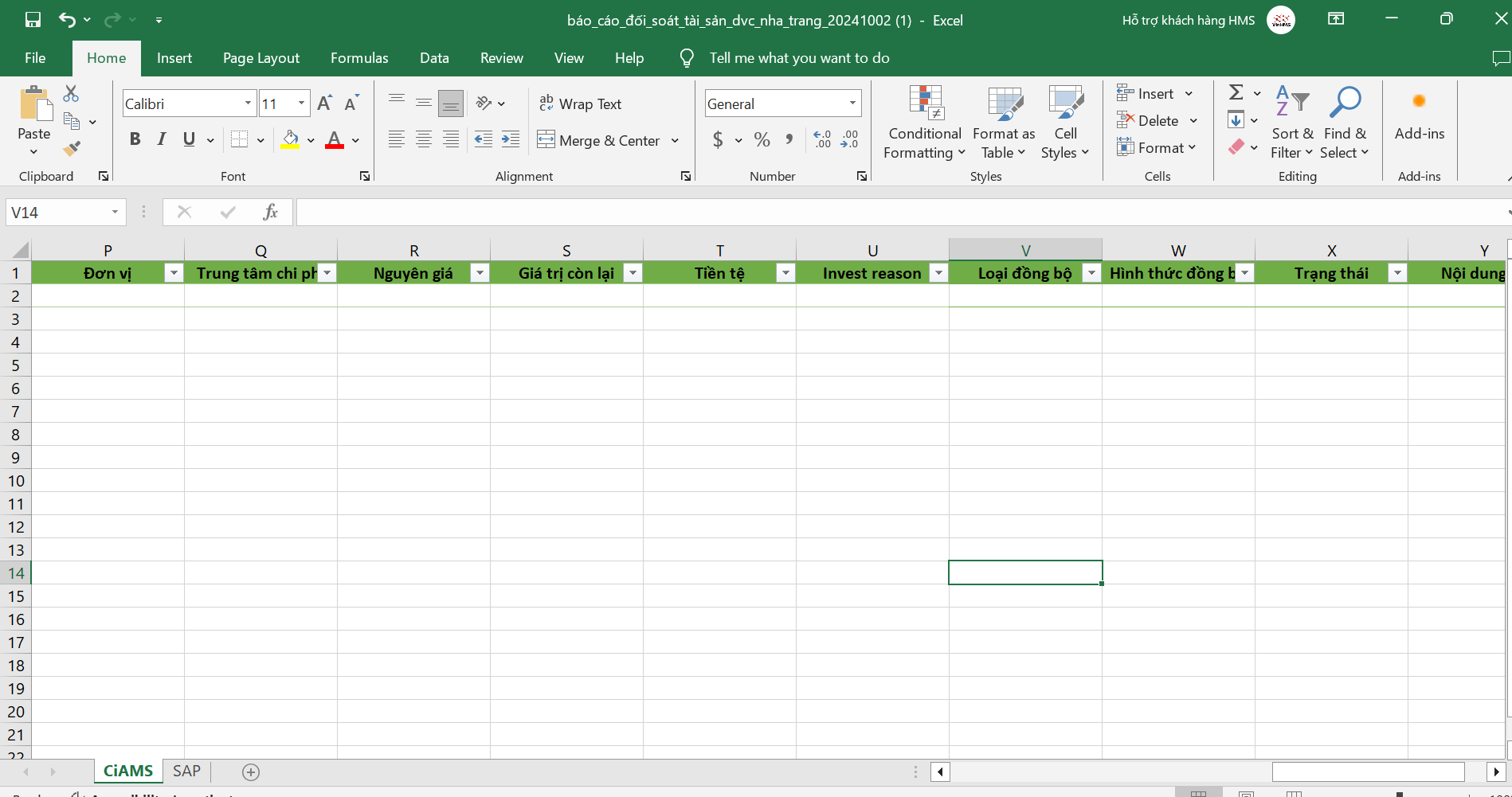
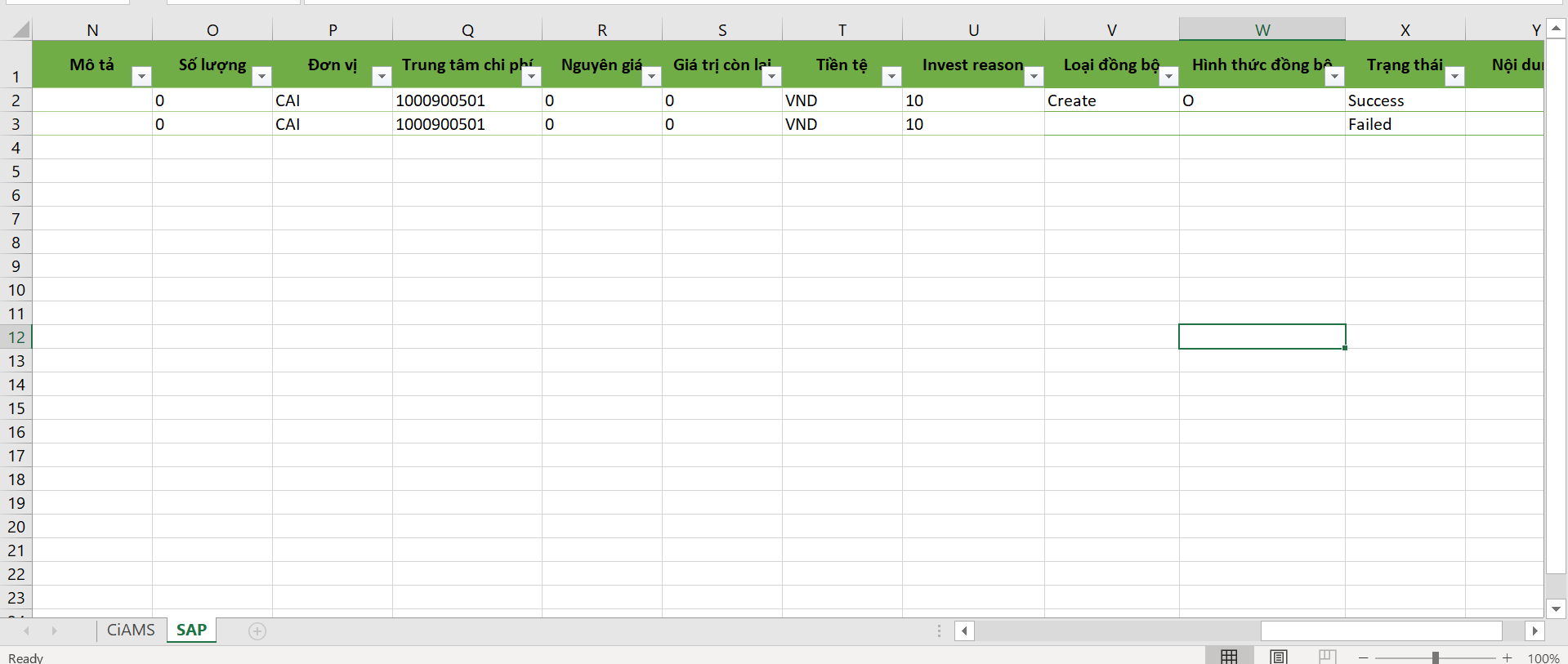
  • File name : Click the blue file link to check which assets failed and which succeeded.

    image-20241009-091410.png


  • Total AMS : Number of successful transactions synced to AMS.

  • Total SAP: Number of transactions in SAP.