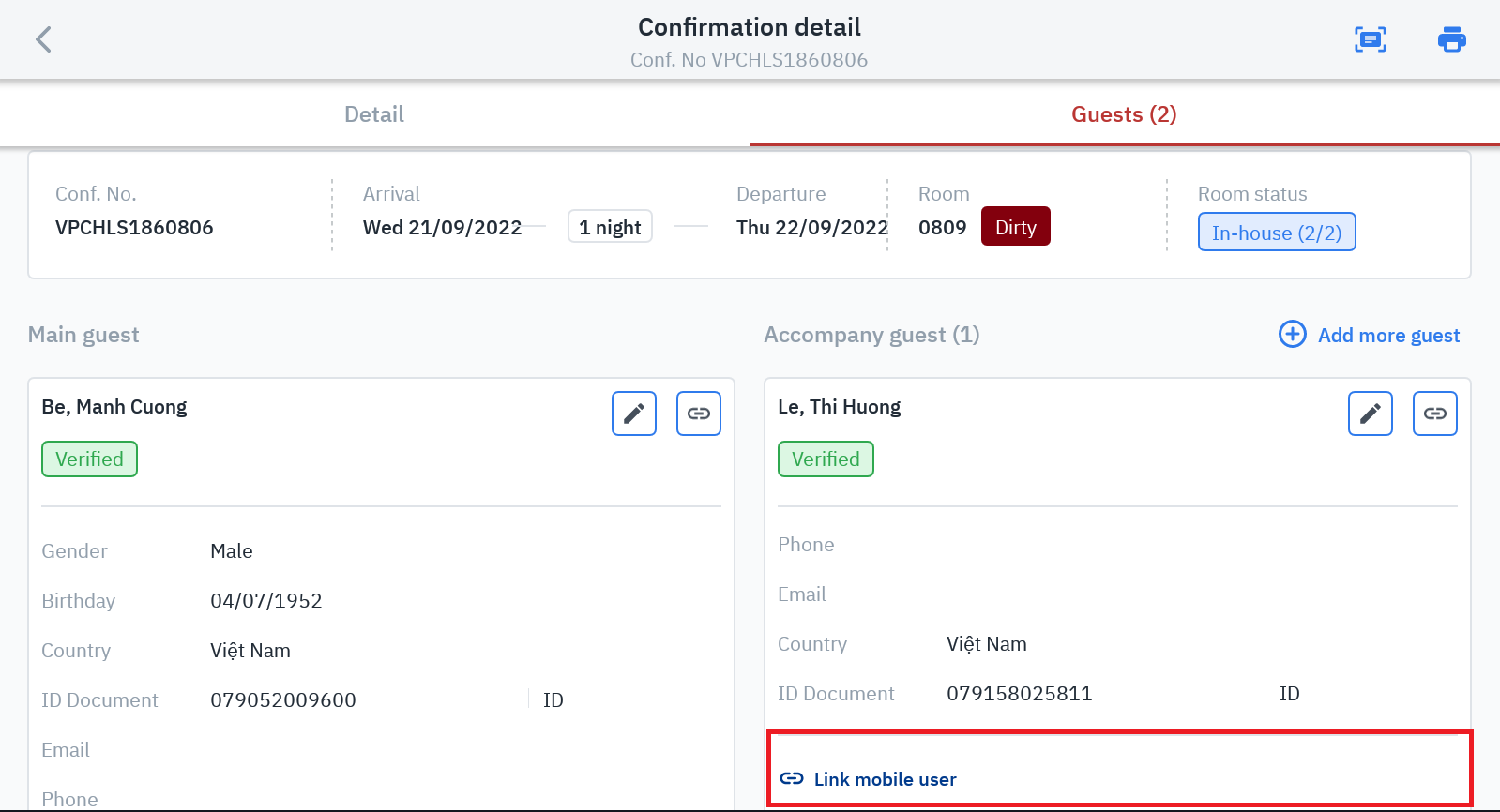
Log in – Reservation – At any Tab - Click on Conf. No - Guest
Summary
Allows scanning QR codes, conducting searches and automatically linking client applications with hotel records. Allow guests to use the in-house function.
Screen
Select Client Link to get started
After successful link will show the option Unlink client: Client ID
Steps
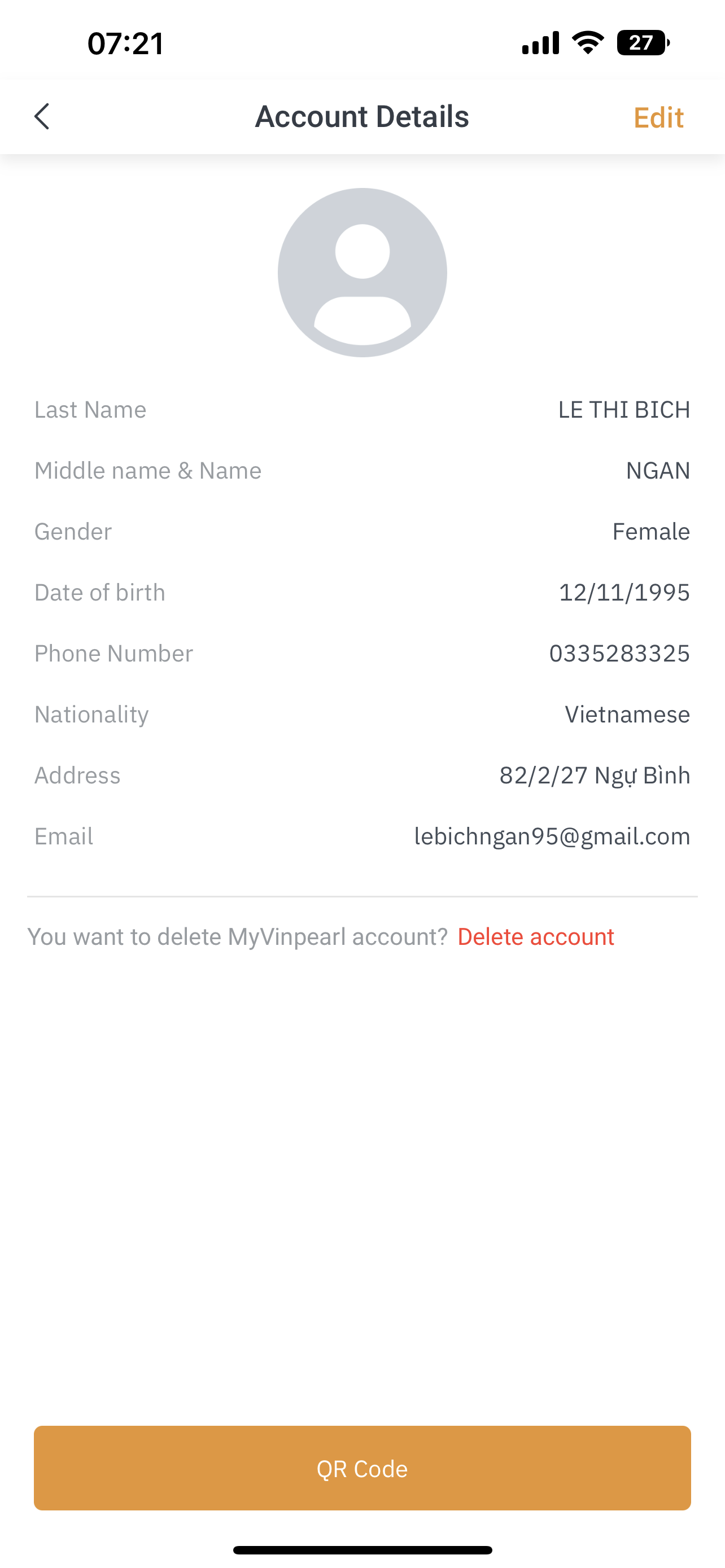
Customers open the QR code of the client application under the link Account > Click on Profile (personal information) > QR code
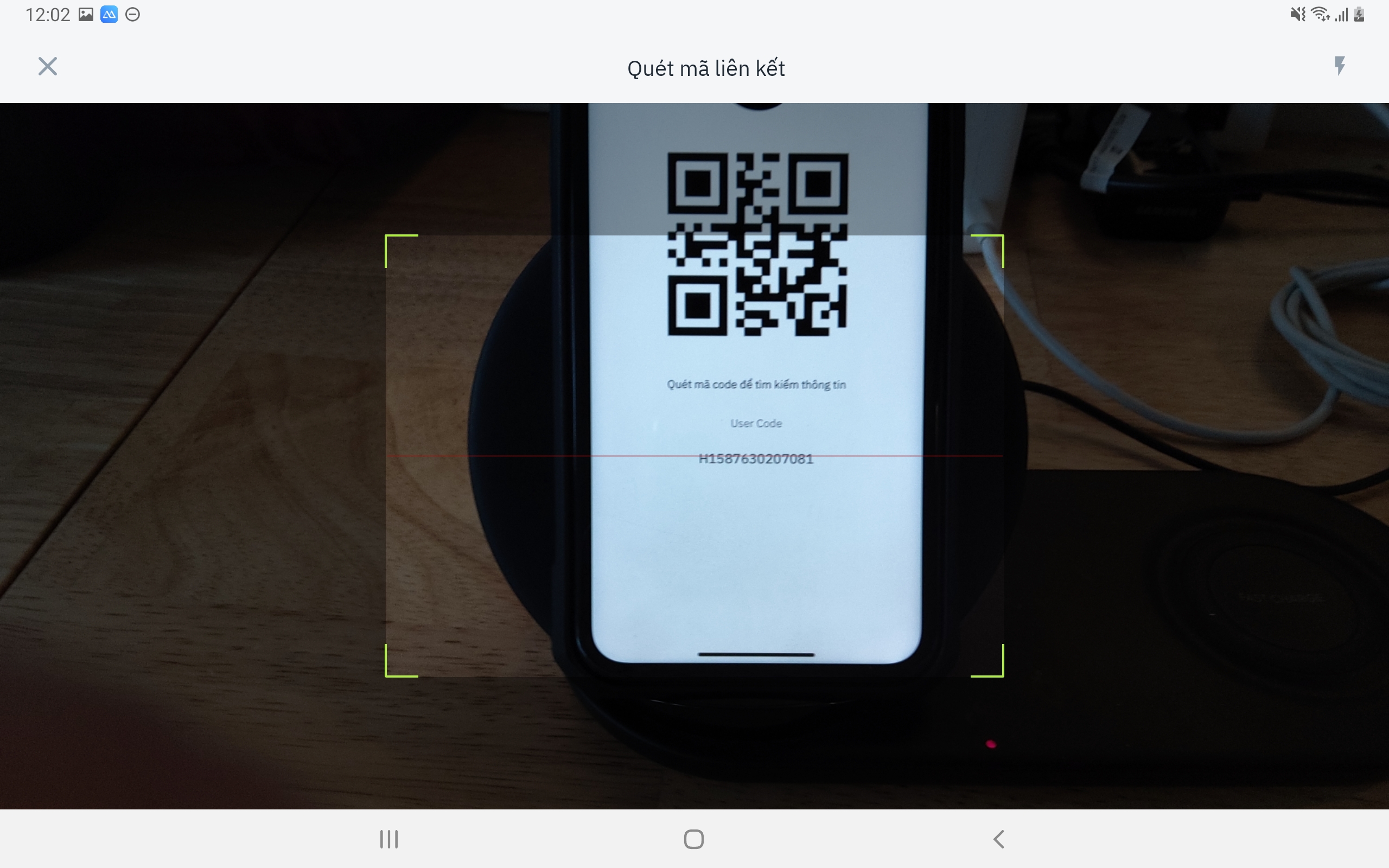
Click on Client Link > Insert the camera into the QR displayed on the client machine.
The system automatically searches and links to guest accounts.
Remarks
Link only 1 time. For guests who come to the hotel next time, there is no need to do it again
When you encounter an error that has been linked to another profile, please check if the reservation is properly linked to the guest's main profile in the system.