[Eng] View Card Detail

Screen Name

View Card Detail

Log in - Front Office - Key Card - View Card Detail

Summary

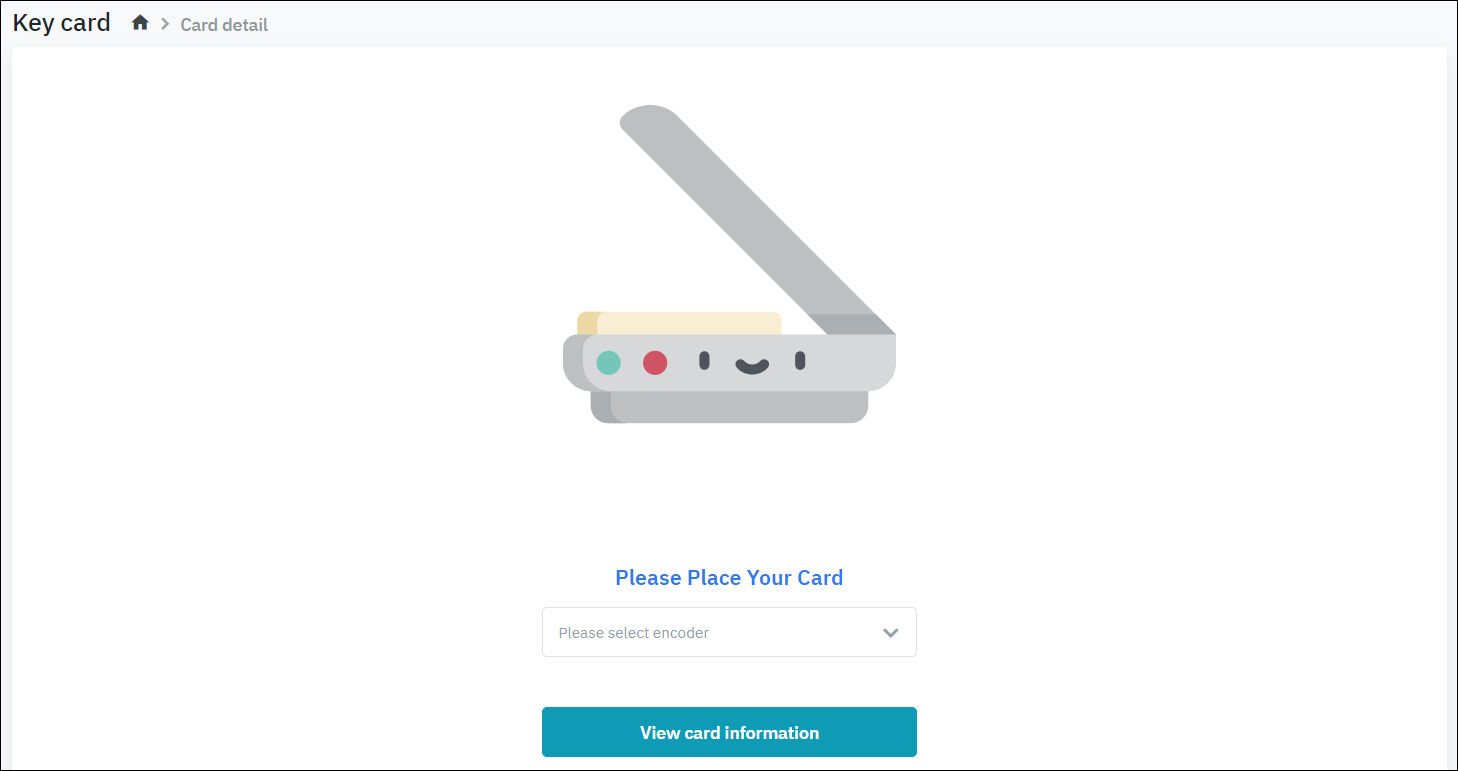
The screen allows you to view the information on the key card.

Screen

image-20200407-104354.png

Fields Description

  1. Select the encoder device linked to the CiHMS application.

  2. Tap the key card on the encoder

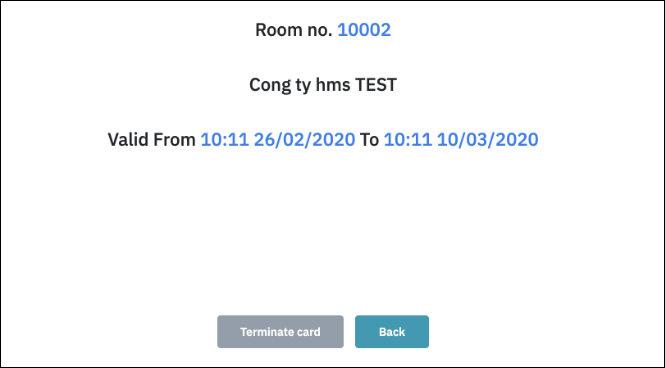
  3. Select button “View card information“, the system displays the information below:

image-20200407-104558.png
  • Room No: Room Number assigned to the key card

  • Guest Name: Name of the Guest on the key

  • Valid From “Time Date” to “ Time Date”

Remarks

N/A