Screen Name
|
Source
|
Open Link
|
Log in – Application – Rate Service Management – Setting – Source
|
Summary
|
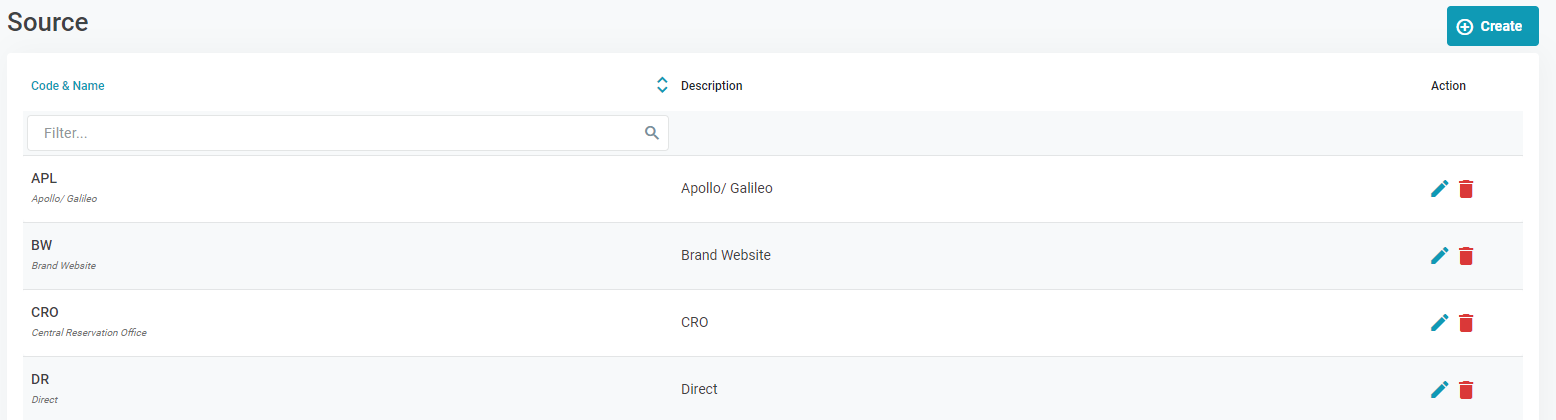
The screen allows you to configure the list of sources.
|
Screen
|
|
Fields Description
|
[Displayed Info]
[Create Source Code] - Add a new source
Select Create to add a new source 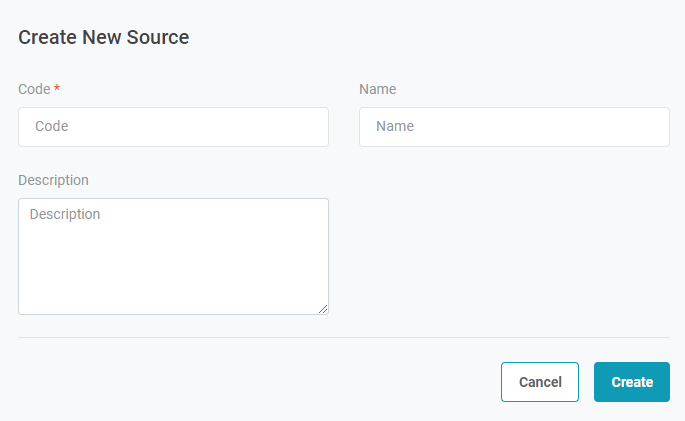
Code: The source code cannot be changed after creation. |
Remarks
|
|
N/A |